Arena Breakout Top-Up Guide: Bonds, Account Details, and Region Checks
Arena Breakout Top-Up Guide: Bonds, Account Details, and Region Checks
Insights
Helps Arena Breakout players who want a steady, repeatable walkthrough of product selection, account input, region, and checkout review before payment.
If you play Arena Breakout and want a steady, repeatable way to top up on HaiTopUp, this guide walks through the Bonds product, account input, region, and checkout review — so each order looks the same and feels predictable, no matter when you place it.
What you need before opening the product page
Have your in-game account information ready. Arena Breakout typically uses a player identifier; the exact field will be shown by the product page. Note your region or server if the game presents one to you. Writing both down once saves time and reduces room for mistakes, especially if you top up only occasionally.
If you've never bought Bonds before, take a quick look in the game so you understand what they are in your account: in-game currency commonly used for in-game purchases. The HaiTopUp page lets you buy supported products from outside the game, scoped to the rules on the current product page.
Step 1 — Open the Arena Breakout page
Open the Arena Breakout section on HaiTopUp. On the current product page, confirm:
- The page title clearly mentions Arena Breakout.
- The product type matches what you want — likely Bonds for most players.
- Any region or platform notes apply to your account.
The product page is the source of truth for exactly what each listing contains. Read it once carefully even if you've topped up before — listings can be refreshed, and the small details under each tier are where the real information lives.
Step 2 — Pick the right Bonds tier
Bonds are sold in tiers. The amount you select is the amount you'll receive in-game, scoped to the rules on the current product page. Pick the tier you actually want — not the one above or below it. Tier buttons can look similar in compact lists, especially on small screens.
A simple habit: glance at the running total at the bottom of the page after you select a tier. If the total looks dramatically higher or lower than you expected, you may have tapped the wrong tier.
Step 3 — Enter account details exactly
Type the account identifier the page asks for. Two practical habits:
- Enter the ID manually rather than relying on autofill.
- Read it back before continuing.
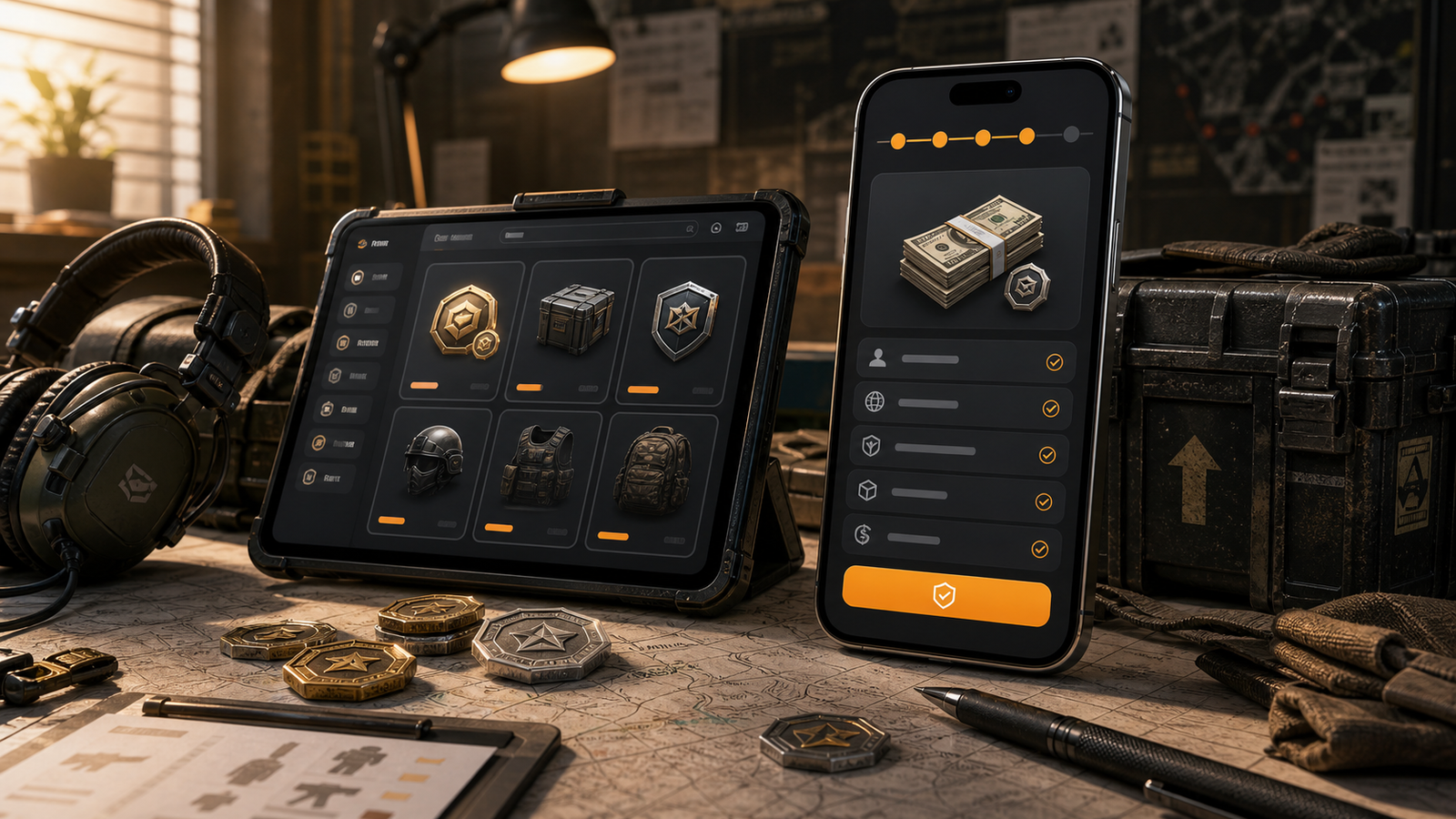
If the product page shows a lookup result after you enter the ID, treat it as a useful sanity check. If the name on the lookup looks completely off, stop and re-check. The order is delivered to the ID you submit, regardless of what the lookup did or didn't display.
Step 4 — Region or server
If the page asks for a region or server, this is not optional decoration. Many games keep separate regional accounts, and a top-up sent to the wrong region often cannot be moved after payment. Choose the region your account actually plays on. If you don't remember, log into the game first.
If two region names look similar in the dropdown, slow down enough to read each one before selecting. The few extra seconds are worth it.
Step 5 — Checkout review
On the checkout page, slow down for one careful read:
- Product line — Bonds tier and amount.
- Account ID shown.
- Region or server, if displayed.
- Total amount.
- Any selected launch deals or discount lines, if applicable.
If any of these don't match the product page, go back and re-check. Review the live checkout before payment.
Step 6 — Payment
Specific payment options depend on the current checkout page. Choose a method you're comfortable with, on a device and network you trust. Confirm the total once more before tapping pay.
After payment, eligible game top-ups may be delivered within 5 minutes after payment confirmation, but actual timing depends on the order. Keep the order confirmation until you've verified Bonds have arrived in your account. A quick check inside Arena Breakout closes the loop neatly.
A pre-payment quick reference
Field | What to confirm |
|---|---|
Game | Arena Breakout (not a similarly themed title) |
Product | Bonds tier and amount |
Account ID | Character-perfect match |
Region | Matches your in-game account |
Total | Matches product page |
Payment | A method and device you trust |
Mistakes worth avoiding
- Selecting a Bonds tier just below the one you wanted.
- Pasting an ID that included an extra space.
- Skipping region selection because the page felt obvious.
- Treating the account name lookup as a final confirmation.
- Topping up while doing several other things at once.
- Re-submitting an order quickly after a failed attempt without reading the message that appeared.
Promotions and what they mean
When you see "up to 10% OFF selected eligible game top-ups" on certain Arena Breakout products, that wording is intentional. It means specific Bonds products may qualify under specific conditions. The current product page is the source of truth — if the discount is reflected at checkout, you're set; if not, the product likely isn't part of that selection right now. Selected launch deals work the same way.
The practical rule: pick the product you actually want first, then see whether a discount is reflected. That ordering keeps your decision clean and prevents you from upgrading or downgrading just to chase a banner.
Payment and offer availability may vary by game, product, region, account, payment method, risk review, and checkout status.
A note on safety
You should never need to share your Arena Breakout login password to receive a standard top-up. If a page or message asks for your password, treat it as a warning sign. Standard top-ups only require the account identifier the product page asks for — no more.
The same caution applies to messages from outside the website. If someone you don't know offers help in exchange for credentials, it isn't part of the normal top-up flow.
FAQ
Do I need to log into Arena Breakout to top up?
On HaiTopUp you enter the account identifier the page asks for. You only need to open the game to look up your ID or region.
What if I picked the wrong tier?
Before payment, return and pick again. After payment, the order is tied to what you submitted.
Why is the region question important?
Regional accounts are typically separate, and Bonds sent to the wrong region usually can't be moved after delivery.
How fast is delivery?
Eligible game top-ups may be delivered within 5 minutes after payment confirmation, depending on the order.
Which payment options can I use?
Specific payment options depend on the current checkout page.
What if my Bonds haven't appeared yet?
Wait a few minutes and check the in-game balance. Keep your order confirmation handy for reference.
When you're ready, check current Arena Breakout top-up deals at here and review the live checkout before payment.