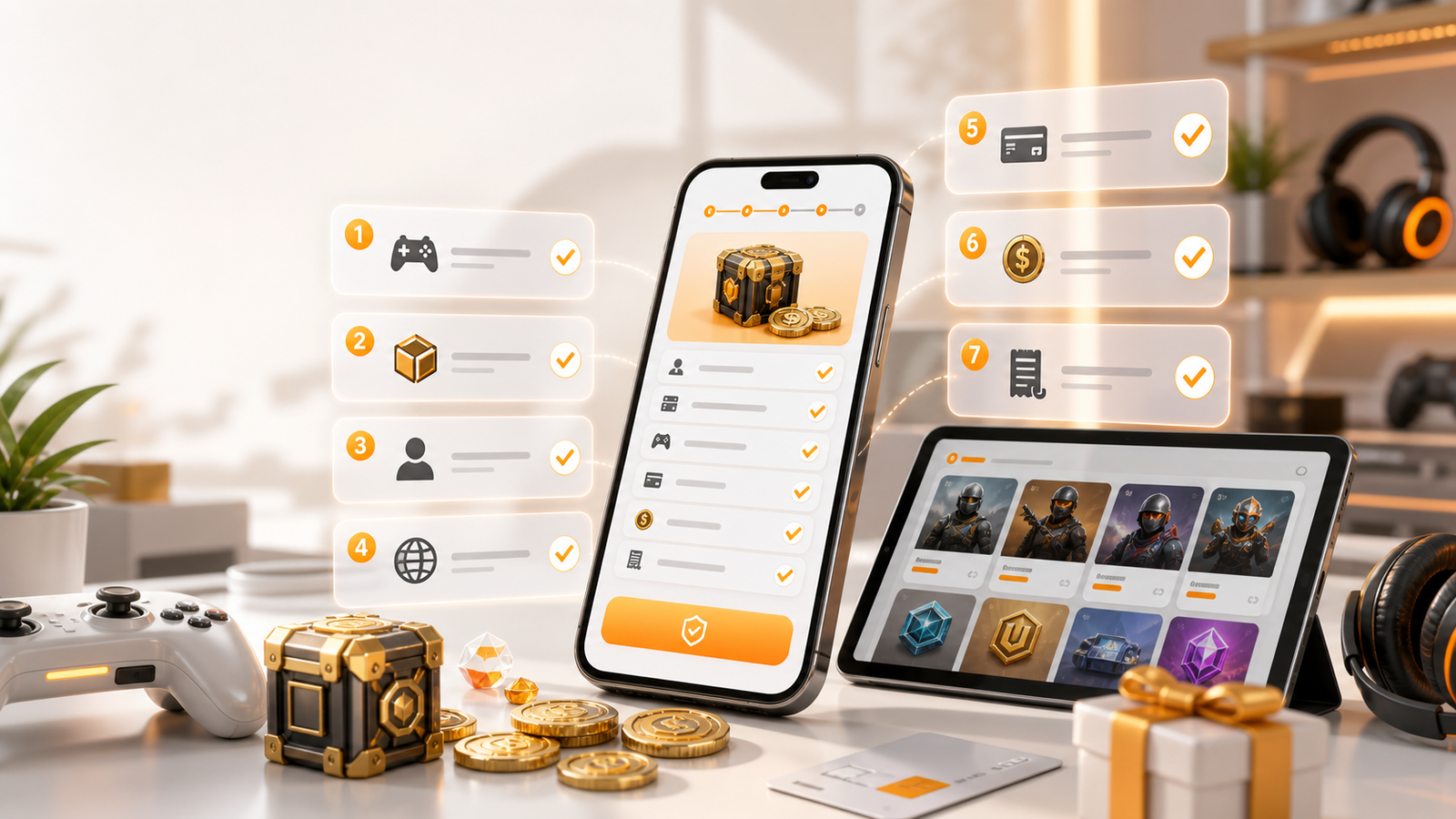
How to Choose a Safe Game Top-Up Platform: A Player Checklist
How to Choose a Safe Game Top-Up Platform: A Player Checklist
Insights
A practical checklist for players choosing a game top-up platform, covering game selection, region, player ID, product details, payment, and order records.
Topping up a game should be a small decision, but when real money leaves your account and heads toward a player ID you typed in manually, small mistakes become expensive ones. This guide is a player-side checklist — seven concrete items to verify before you tap "pay" on any game top-up platform.
What a game top-up platform does — and why the choice matters
A game top-up platform is a website or app that accepts your payment and converts it into in-game currency, passes, or items deposited directly into your game account. The typical flow is: select a game, enter your player identifier, pick a product and amount, choose a payment method, pay, and receive the value in-game.
The platform sits between you and the game publisher's own store. It does not replace that store. Instead, it offers a separate path that may be more convenient for certain payment methods, may carry promotional pricing on selected products, or may simply present a faster checkout when the in-game store is slow or region-locked.
Because this path involves real payment and account identifiers, the quality of the platform matters. A trustworthy platform makes the verification steps below easy and visible. A careless one buries them. The checklist that follows is designed to be platform-agnostic — you can use it on HaiTopUp or on any other service.
The seven-point pre-payment checklist
1. Confirm the exact game title
Start by matching the game shown on the platform to the game installed on your device. This sounds obvious, but several popular titles share similar names. Shooters in particular reuse words like "arena," "delta," "mobile," and "force" across different franchises. Do not rely on the icon alone — read the full title, and if the platform shows a publisher or version tag, confirm that too.
2. Verify the region or server
Many games split their player base by region or server cluster. A top-up intended for a Southeast Asian server will not land on a European account. Before you go further, confirm the region or server displayed on the platform matches the one you play on. If the platform does not show a region selector for a game you know is region-split, treat that as a warning sign.
3. Double-check the player ID
The player ID is the single field responsible for the majority of failed or misdirected top-ups. Find it inside the game — usually on your profile screen, settings panel, or "account info" page. Copy it character by character. Once you paste it into the platform, read it back digit by digit. If the platform offers a confirmation or name-check step, use it. A top-up sent to the wrong ID is extremely difficult to reverse.
4. Match the product to what you actually need
Top-up platforms list products by in-game label — currency names, battle passes, or item bundles. Confirm the label matches the item you are looking for in-game. Also consider the amount: the largest tier is not necessarily the best fit. Buy the amount you need today rather than the amount that looks like it has "better unit value," unless you have confirmed you will use the surplus soon.
5. Read the total amount at checkout
Discounts, applicable taxes, and currency conversion can all shift the total from the number you expected. The figure that appears on the live checkout page — not the product card, not a banner — is the binding amount. Read it once more before you confirm.
6. Use a payment method you control
Pay with a method registered to you, on a device you trust, over a network you trust. If the platform redirects you to a third-party payment page, confirm the URL belongs to a recognized payment provider. On HaiTopUp, specific payment options depend on the current checkout page — the list you see at the payment step is the live one.
7. Save the order record
The moment payment completes, capture the order ID, the confirmation screen or email, and a screenshot of the success page. Store these somewhere accessible — a notes app, an email folder, a screenshots album. If anything goes wrong later, these records are your first line of evidence.
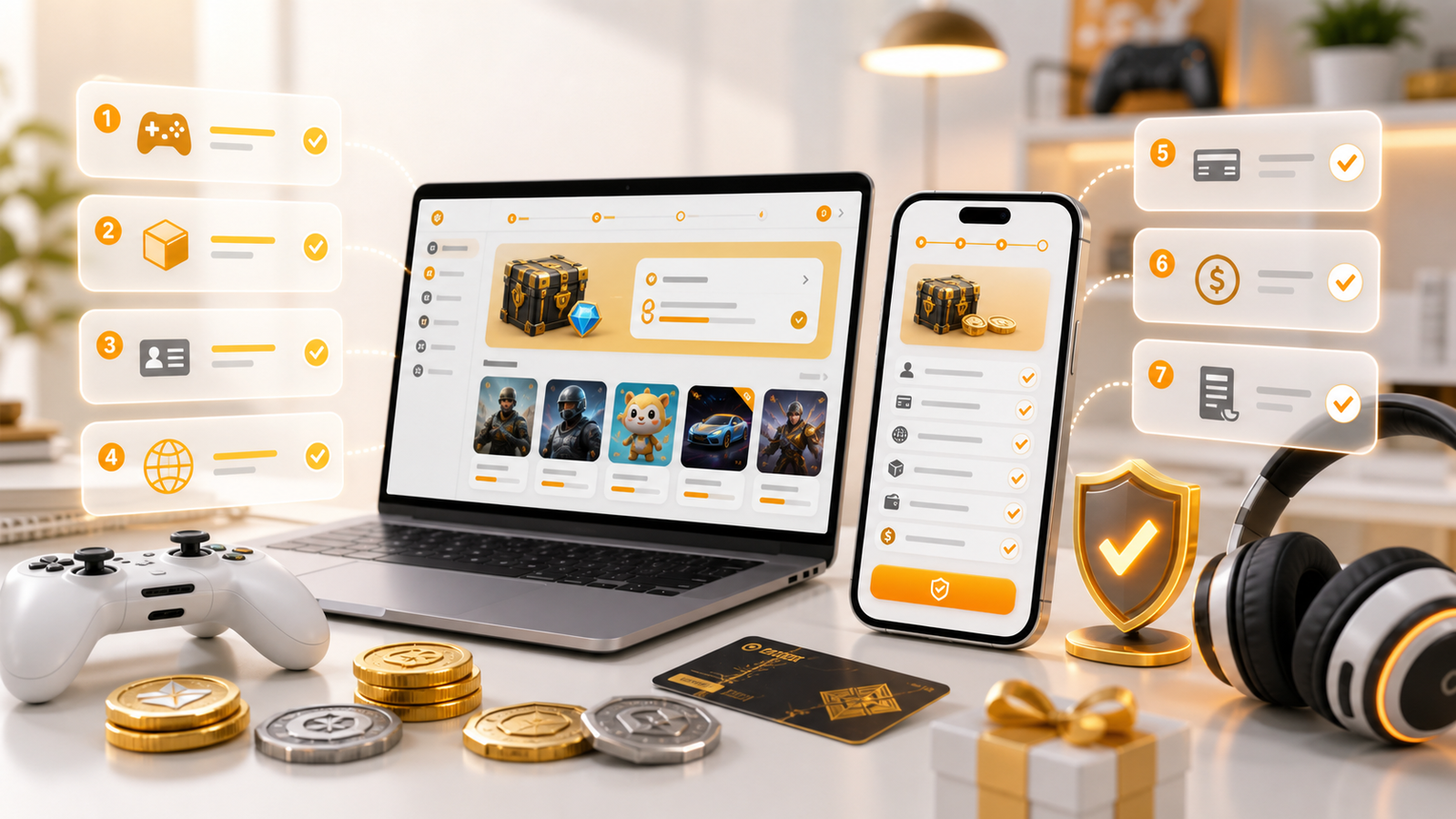
A quick-reference table
Check | Where to look | Why it matters |
|---|---|---|
Game title | Platform game page | Prevents purchasing for the wrong game |
Region / server | Region selector on platform | Value cannot cross regions |
Player ID | In-game profile or settings | Wrong ID = misdirected funds |
Product label | Product card on platform | Must match in-game item name |
Total amount | Live checkout page | Binding price after discounts and fees |
Payment method | Payment step at checkout | You need control and a trusted network |
Order record | Confirmation page / email | Evidence for support if needed |
How HaiTopUp fits into this checklist
HaiTopUp is the storefront you interact with: the game pages, product cards, account fields, and checkout. It gives you the places to run the checks above before you pay, from game selection to player ID review and final order confirmation.
Payment happens at checkout, so use the payment options shown there instead of relying on a static list from an article or screenshot. The same common-sense rules apply: only pay from a device you trust, on a network you trust, and only after completing the seven checks above.
One important note: payment and offer availability may vary by game, product, region, account, payment method, risk review, and checkout status. What you see at the moment of checkout is the version that applies to your specific order. Treat the live checkout as the final source.
How launch deals work on HaiTopUp
During the launch period, HaiTopUp is offering up to 10% OFF selected eligible game top-ups across PUBG Mobile, Arena Breakout, and Delta Force. Here is what "selected eligible" means in practice:
- The discount applies to specific products — not to everything visible on the platform.
- The exact percentage you see may differ depending on the product, the time you visit, and the state of the checkout.
- Eligible game top-ups may be delivered within 5 minutes after payment confirmation, though the actual time depends on the game and product.
If a launch deal is a key part of your purchase decision, open the product on the live page. Look at the price shown next to the product and any promotional badge or note. That is the binding view — not a banner on a different page, not a social media post, and not a friend's screenshot.
What to do if a top-up is delayed
Most eligible top-ups arrive quickly, but delays can happen. If the value has not appeared after several minutes:
- Refresh in-game. Open the in-game store or wallet. The balance may have already updated without a push notification.
- Log out and back in. Some games only refresh balances at session start.
- Verify your order details. Open the order record and confirm the player ID and region match your actual account.
- Check the order status on HaiTopUp. A "processing" status usually means the order is still in transit. A "completed" status with missing value is a different situation — proceed to step 5.
- Contact support. Provide the order ID, a screenshot of the payment confirmation, and the player ID you entered. The more information you include upfront, the faster the resolution.
One firm rule: do not place a second order to "fix" the first. Duplicate orders complicate the investigation and may result in double charges.
Building your own decision framework
Beyond the seven-point checklist, consider a few broader habits:
- Bookmark the product page you use. This prevents you from landing on a lookalike site next time.
- Compare the checkout price across sessions. Promotional pricing may change; the live checkout remains the binding reference.
- Read the FAQ on the product page. Most common questions — delivery time, ID format, refund paths — are answered there.
- Keep order records for at least 30 days. Support queries are easier to resolve with a complete record.
When you are ready, View current HaiTopUp game top-up options to browse the available games and products. Before you finalize, Review the live checkout before payment to confirm every detail one last time.
FAQ
Is it safe to top up a game through a third-party platform?
It can be, provided the platform clearly displays the game, region, player ID, product, total amount, payment step, and order record before and after checkout. HaiTopUp surfaces these checklist items before you pay.
How quickly does a HaiTopUp top-up arrive?
Eligible game top-ups may be delivered within 5 minutes after payment confirmation. Actual timing depends on the game, the product, and the order status. If your order has not arrived after several minutes, follow the delay steps above.
What happens if I enter the wrong player ID?
Stop immediately and contact support with your order ID and a screenshot. Do not place a second order in an attempt to correct the first — the original order may still be processed, leading to a double charge.
Do launch deals apply to each item on HaiTopUp?
No. Up to 10% OFF applies to selected eligible game top-ups only. The current product page and checkout page are the binding reference for which products carry a deal and what the actual discount is.
Which payment methods can I use on HaiTopUp?
Specific payment options depend on the current checkout page. The options displayed when you reach the payment step are the ones available for your order at that moment. Payment and offer availability may vary by game, product, region, account, payment method, risk review, and checkout status.